AI SQL Developer Tools: Generate, Debug, Optimize
Table of Contents
- Introduction
- How Coding SQL AI Works With a Database
- Best Developer SQL Tools and Database IDE Options
- How AI SQL Developers Should Choose Developer SQL Tools
- SQL Code Generation From a Real Schema
- SQL Debugging and Optimization With AI SQL Tools
- Safe Software Developer Database Workflows
- Four Practical Examples for AI SQL Developers
- Conclusion
- Introduction
- How Coding SQL AI Works With a Database
- Best Developer SQL Tools and Database IDE Options
- How AI SQL Developers Should Choose Developer SQL Tools
- SQL Code Generation From a Real Schema
- SQL Debugging and Optimization With AI SQL Tools
- Safe Software Developer Database Workflows
- Four Practical Examples for AI SQL Developers
- Conclusion
Introduction
AI SQL developers can turn a plain-language request into a working query in seconds, but it may join the wrong tables, expose private records, or quietly produce the wrong total. Database work allows less guessing than ordinary code because one command can read or change millions of rows.
In the 2025 Stack Overflow Developer Survey, 84% of respondents said they used or planned to use AI in development, while 51% of professional developers used it daily. Use AI SQL tools where they help, provide schema context, and check every result.
This guide covers:
- IDE and database-editor options
- Schema-aware SQL code generation
- Query debugging and performance checks
- Safe adoption for a software developer’s database workflow
How Coding SQL AI Works With a Database
A database stores information in tables; its schema describes their columns, data types, indexes, and relationships. SQL retrieves or changes records. PostgreSQL, MySQL, SQL Server, SQLite, BigQuery, and other systems share SQL basics, but their functions and syntax differ.
AI predicts a SQL query from its context. Without the schema, it may invent the column customer_name when the real column is account_display_name. A database-aware tool can inspect metadata first, reducing such mistakes.
| Context to Provide | Example | Why It Matters |
|---|---|---|
| Database dialect and version | PostgreSQL 16 | Prevents unsupported syntax |
| Relevant schema | orders.customer_id references customers.id |
Gives the model real names and relationships |
| Business definition | Revenue means paid orders after refunds | Prevents a technically valid but misleading result |
| Expected output | One row per campaign per week | Defines grouping and columns |
| Operational limits | Read-only, last 90 days, under 500 ms | Controls risk and performance |
AI drafts the query, the database engine validates it, and developers decide whether the result answers the business question.
Best Developer SQL Tools and Database IDE Options
The best choice depends on where the database and application code live. Database-native assistants understand connected schemas; general coding assistants better handle a query, migration, API method, and test in one task.
| Tool | Best Fit | Database Context | Main Strength | Main Limitation |
|---|---|---|---|---|
| JetBrains AI Assistant with DataGrip | Developers doing substantial SQL work | Can inspect schemas, preview data, run queries, and read plans | Deep database exploration and query-plan explanations | Best experience is tied to DataGrip or JetBrains database tools |
| GitHub Copilot | Application code, ORM queries, migrations, and tests | Uses open files, repository context, instructions, and optional external tools | Edits across files and can run validation commands | Needs explicit schema context unless connected to a database tool |
| Cursor | Multi-file database features and terminal workflows | Reads the codebase and can use configured MCP database servers | Combines editing, search, terminal commands, and error repair | Database access and safety rules require setup |
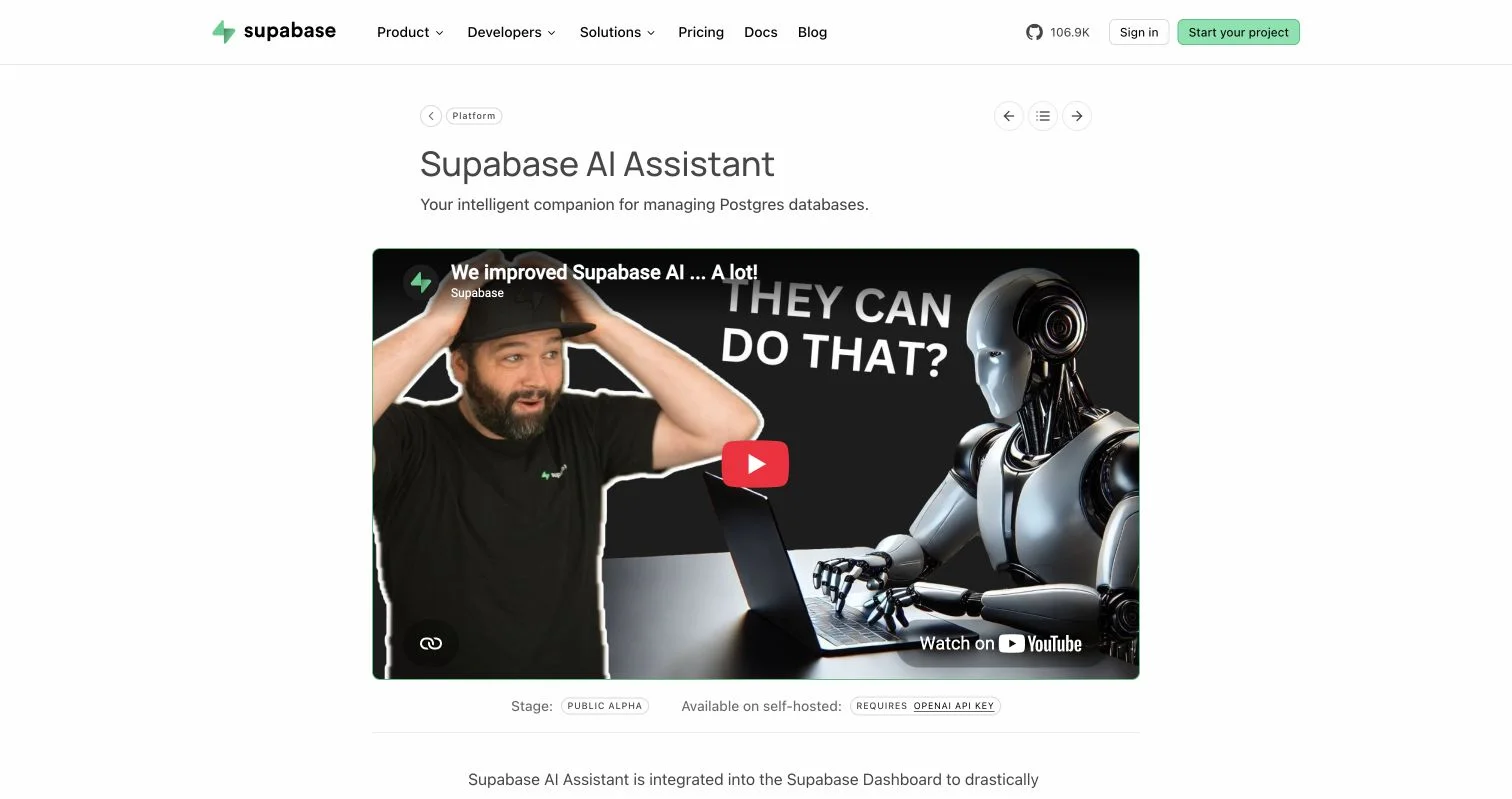
| Supabase AI Assistant | Supabase and PostgreSQL projects | Works from the project schema inside the SQL editor | Generates SQL, analyzes errors, and assists with row-level security | Most useful inside the Supabase platform |
| Gemini Code Assist | Google Cloud, BigQuery, and Database Studio users | Can generate contextual SQL from available schema information | SQL generation, explanation, and improvement in Google tools | Product tiers and supported surfaces need checking before adoption |
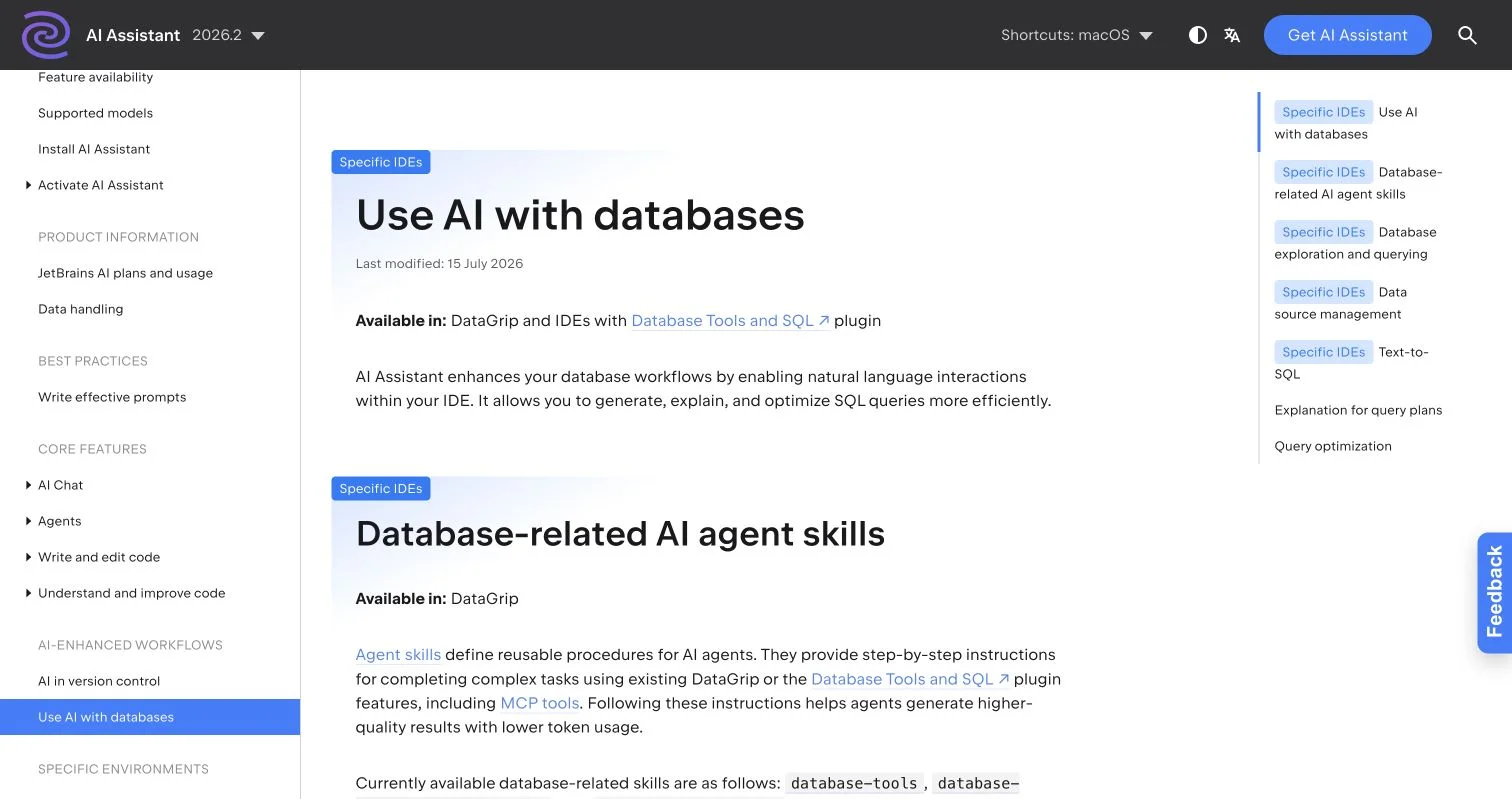
JetBrains documents SQL generation, explanation, optimization, database exploration, and schema-aware agent skills inside DataGrip and supported IDEs.
A separate chat assistant works for learning syntax or sanitized DDL. For daily database work, keeping it beside the code and schema usually saves time.
How AI SQL Developers Should Choose Developer SQL Tools
Start with the problem, not the longest feature list. Many teams already use six or more work tools, so another window can add more copying than value. Use this five-step process:
-
Identify the main work surface. Choose an IDE assistant when SQL lives beside application code; choose DataGrip or a platform SQL editor when work happens directly against databases.
-
Check dialect support. Have it generate a query with two team-specific database features, such as PostgreSQL
jsonboperators or BigQuery partition filters. -
Test schema awareness. Request a query involving two related tables and confirm it discovers real foreign keys instead of guessing names.
-
Review access controls. Require read-only connections, command approval, and production-data restrictions.
-
Run a small evaluation. Test ten representative tasks, recording first-pass acceptance, test success, review time, and query runtime. Twenty minutes of repair is not a productivity gain.
First, use the developer SQL tools in your editor. Move to a database-native assistant for frequent schema exploration and performance work.
SQL Code Generation From a Real Schema
Good prompts are short technical specifications stating the database, tables, business rule, output, and limits. This guides AI better than show campaign revenue.
| Prompt Part | Practical Instruction |
|---|---|
| Goal | Return weekly paid revenue for each marketing campaign |
| Schema | Use campaigns, leads, and orders; inspect their relationships first |
| Rules | Count only orders with status = 'paid' |
| Parameters | Use a bound start-date parameter rather than inserting a date string |
| Output | Include week, campaign ID, campaign name, lead count, and revenue |
| Safety | Produce a read-only PostgreSQL query and explain assumptions |
A suitable draft might be:
SELECT
  date_trunc('week', l.created_at)::date AS week_start,
  c.id AS campaign_id,
  c.name AS campaign_name,
  count(DISTINCT l.id) AS lead_count,
  coalesce(sum(o.amount_cents), 0) / 100.0 AS paid_revenue
FROM campaigns AS c
JOIN leads AS l ON l.campaign_id = c.id
LEFT JOIN orders AS o
  ON o.lead_id = l.id
 AND o.status = 'paid'
WHERE l.created_at >= $1
GROUP BY 1, 2, 3
ORDER BY 1, 3;
Do not accept it on appearance. Check whether to group by order or lead date, where refunds live, and whether revenue includes tax. Schema inspection alone cannot answer these business questions.
SQL Debugging and Optimization With AI SQL Tools
Debugging suits AI SQL tools because databases supply concrete evidence: an error, query plan, row count, or runtime. Provide that evidence and request a diagnosis before a rewrite.
Use this sequence:
- Reproduce the failure with the smallest safe query and record the exact error.
- Provide the database version, relevant DDL, parameters, and expected result.
- Request two or three possible causes and a test for each.
- Run the proposed tests on local or staging data.
- Compare correctness and timing before accepting a rewrite.
| Signal | Possible Cause | Next Test |
|---|---|---|
column is ambiguous |
Two joined tables share a column name | Qualify every selected and filtered column |
| Correct query takes 2 seconds | Missing index or poor join order | Inspect the plan and row estimates |
| Totals doubled after a join | One-to-many rows were multiplied | Count rows before and after each join |
| Fast locally, slow in production | Different data volume or stale statistics | Test against representative data and refresh statistics |
PostgreSQL documents that EXPLAIN ANALYZE actually executes the query. For statements that change data, use plain EXPLAIN first. A tool can interpret plan nodes, but index suggestions remain hypotheses to measure.
Safe Software Developer Database Workflows
Review AI-generated SQL like code from a new team member. The survey found that 46% of developers distrusted AI accuracy versus 33% who trusted it; 66% encountered almost-correct solutions, and 45% said debugging generated code could take more time.
Before connecting developer SQL tools to company data, check:
| Item | What to Check | Why It Matters |
|---|---|---|
| Access | Use a read-only account and staging database by default | Limits the effect of a bad command |
| Data privacy | Remove credentials, personal data, tokens, and customer records from prompts | Prevents unintended disclosure |
| Query construction | Use parameters for all user-controlled values | Reduces SQL injection risk |
| Change control | Put migrations in version control with review and rollback instructions | Makes changes traceable and recoverable |
| Validation | Run tests, compare totals, and inspect query plans | Finds plausible but incorrect output |
| Production execution | Require a human to approve writes and schema changes | Keeps destructive actions deliberate |
The OWASP SQL Injection Prevention Cheat Sheet recommends prepared statements with parameterized queries instead of string concatenation. Put this in persistent project instructions. Repository rules can specify the SQL dialect, migration framework, naming conventions, maximum batch size, and database test commands.
Four Practical Examples for AI SQL Developers
-
Marketing attribution report. For a 90-day campaign-leads and paid-revenue report, the assistant inspects relationships, drafts a grouped query, and explains its date logic. Before publishing, the developer compares billing totals and checks campaigns with no orders.
-
Safer schema migration. For a normalized email column on a large customer table, the assistant drafts an additive migration, 10,000-row backfill batches, validation SQL, and rollback notes. Before production, the team measures locks and runtime in staging.
-
Slow API endpoint. An orders endpoint takes 900 ms against a target below 300 ms. The developer provides its SQL and execution plan. The assistant spots a large sequential scan and proposes a composite index, accepted only if representative tests reduce runtime without excessive write cost.
-
Broken join after a rename. After renaming
users.company_idtousers.account_idcauses acolumn does not existerror, the IDE assistant finds outdated raw SQL, ORM mappings, fixtures, and tests. It prepares a focused patch; the developer verifies backward compatibility during deployment.
AI-assisted SQL coding is most useful for such bounded, observable tasks.
Conclusion
AI SQL tools can reduce repetitive work on query drafts, migrations, error explanations, and execution plans. Developers make the output dependable with a real schema, named SQL dialect, clear business rules, and measurable tests.
A sensible first-week trial:
- Pick one read-only reporting query with a known correct result.
- Give the tool sanitized schema context and explicit constraints.
- Compare accuracy, review time, and runtime across ten attempts.
- Record and reuse project rules that prevented mistakes.
That trial reveals more than a feature page. The goal for AI SQL developers is not more SQL, but a correct, secure, explainable result with less wasted work.
Frequently Asked Questions
Can AI replace learning SQL?
No. You must understand joins, grouping, null values, transactions, indexes, and permissions to review the output.
Should an assistant connect to production?
Usually no. Start with local or staging data using a read-only account; allow production access only through documented controls.
What should I share when a query fails?
Share sanitized DDL, the database version, exact error, parameter types, expected result, and a small representative example.
Do AI SQL tools work with ORMs?
Yes. They can edit models, migrations, query builders, and raw SQL; inspect the SQL the ORM produces.
How should a team measure value?
Track first-pass acceptance, review time, automated-test success, escaped defects, and database runtime before and after adoption.
Which tool is best for beginners?
Start with a schema-aware assistant in your current editor or database platform. Real metadata matters more than a long feature list.
What information should I give an AI tool before asking it to generate SQL?
Provide the database dialect and version, relevant tables and relationships, business definitions, expected output, and operational limits. Use sanitized schema details and specify that user-controlled values must be passed as parameters.
How can I tell whether an AI-generated query is correct?
Test it against known results, inspect intermediate row counts, and verify edge cases such as null values, refunds, and records without matches. A query that runs successfully may still use the wrong date, multiply rows during joins, or misinterpret a business rule.
Is it safe to let an AI SQL assistant access a production database?
Start with local or staging data and a read-only account. Production access should be limited by documented permissions, command approval, audit logging, and human review for writes or schema changes.
What should I provide when asking AI to debug a slow or failing query?
Share the exact error, database version, sanitized DDL, parameter types, expected result, and a representative execution plan or runtime. Ask for possible causes and tests before requesting a rewritten query.
Can AI safely optimize a query or recommend an index?
AI can interpret execution plans and suggest likely improvements, but every recommendation should be measured on representative data. Confirm that an index improves read performance enough to justify its storage and write overhead.
How should AI-generated migrations be reviewed?
Keep migrations in version control and require peer review, validation queries, rollout steps, and rollback instructions. Test lock duration, batch size, runtime, and compatibility in staging before applying changes to production.
How can a team evaluate whether an AI SQL tool is worthwhile?
Run a small trial using representative tasks with known outcomes. Track first-pass acceptance, correction time, automated-test success, escaped defects, and query runtime rather than measuring only how quickly the first draft appears.
Related Articles
Text-to-SQL Training: Fine-Tuning and Safety
Build reliable text-to-SQL models with reviewed data, fine-tuning, robust evaluation, schema linking, and production safeguards.
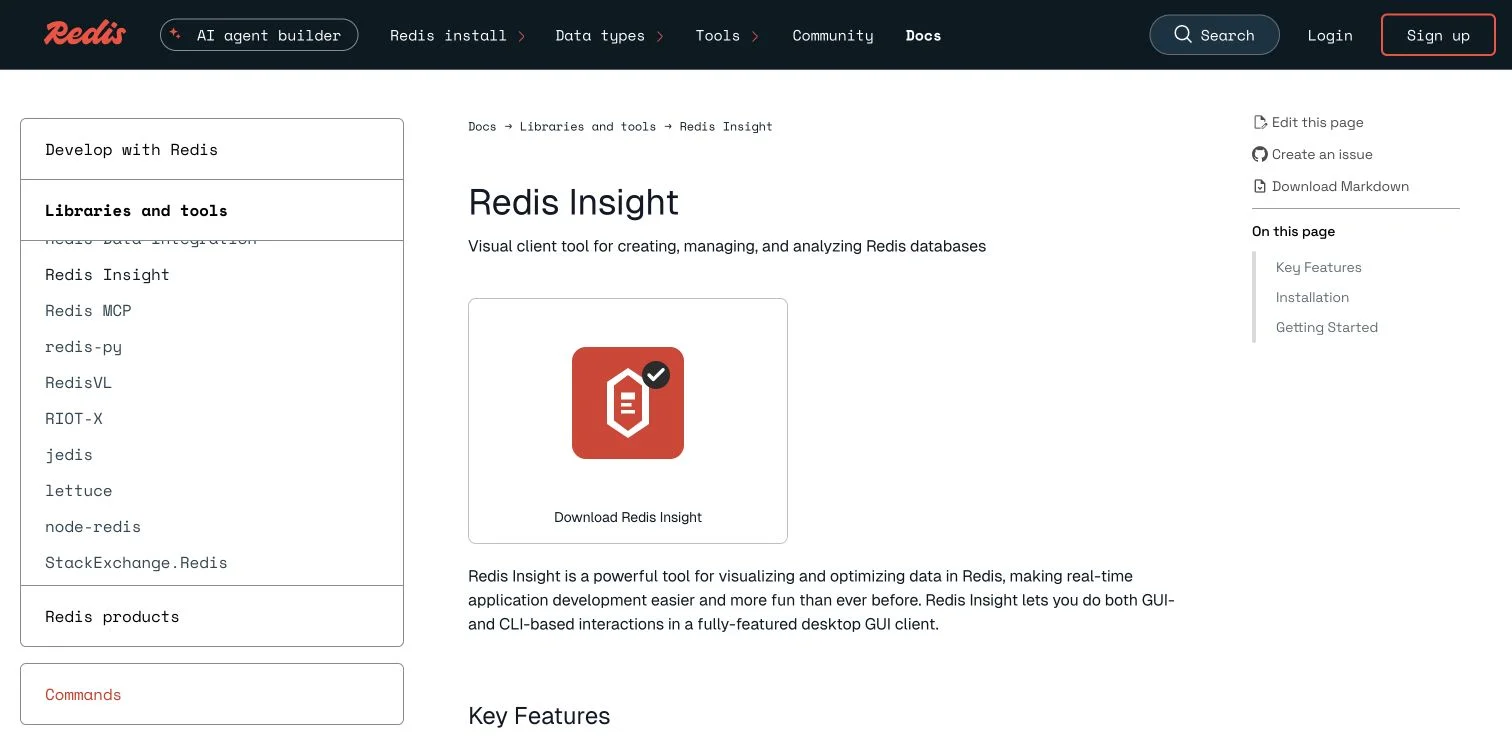
Redis Tools and AI Redis Optimization Guide
Compare Redis tools, caching strategies, semantic caching, vector search, profiling, and memory practices for measurable optimization.
6 Affordable AI SQL Tools for Startups
Compare six affordable AI SQL tools for startups, including costs, use cases, security practices, setup steps, and upgrade signals.